





















Best Desks for Small Spaces and Home Offices (2026)
Finding the right desk for small space living is one of the most rewarding upgrades you can make to your home setup. Whether you're working from a studio apartment, a converted closet, or a tight bedroom corner, the right compact home office desk transforms a cramped area into a productive workspace. This guide walks you through everything you need to know before buying in 2026.
Why Your Desk Size Actually Matters More Than You Think
Most people underestimate how much a desk's dimensions affect daily comfort. A desk that is too wide crowds a small room and blocks natural pathways. A desk that is too shallow pushes your monitor too close and strains your eyes over time. Getting the measurements right before you buy is the single most important step in this entire process.
The sweet spot for small spaces is a desk between 36 and 47 inches wide and 20 to 24 inches deep. This range gives you enough surface area for a laptop, a mouse, and a notebook without consuming the room. Anything wider than 48 inches starts to feel like a full-sized office setup and rarely fits comfortably in a bedroom or studio.
Depth is equally important. A depth of 20 to 24 inches is considered the golden standard for home office desks because it places your monitor at roughly the right distance from your eyes, reducing neck strain during long work sessions.
The Four Main Types of Compact Home Office Desks
Minimalist Writing Desks
These are the most straightforward option for anyone who primarily works on a laptop. Writing desks typically range from 30 to 42 inches wide, feature clean lines, and avoid unnecessary bulk. They work in almost any room style and are usually the easiest to move around.
Some minimalist desks include a drawer or two, which adds meaningful storage without expanding the desk's footprint. If you need to store pens, chargers, or notebooks nearby, look for a writing desk with at least one storage drawer. Models in the 43 to 47 inch range can also accommodate a small external monitor alongside your laptop, which is a major productivity boost without requiring a full-sized desk.
Minimalist writing desks tend to be the most affordable category and are widely available in wood-grain finishes, white, and black to match most home interiors.
Compact Standing and Height-Adjustable Desks
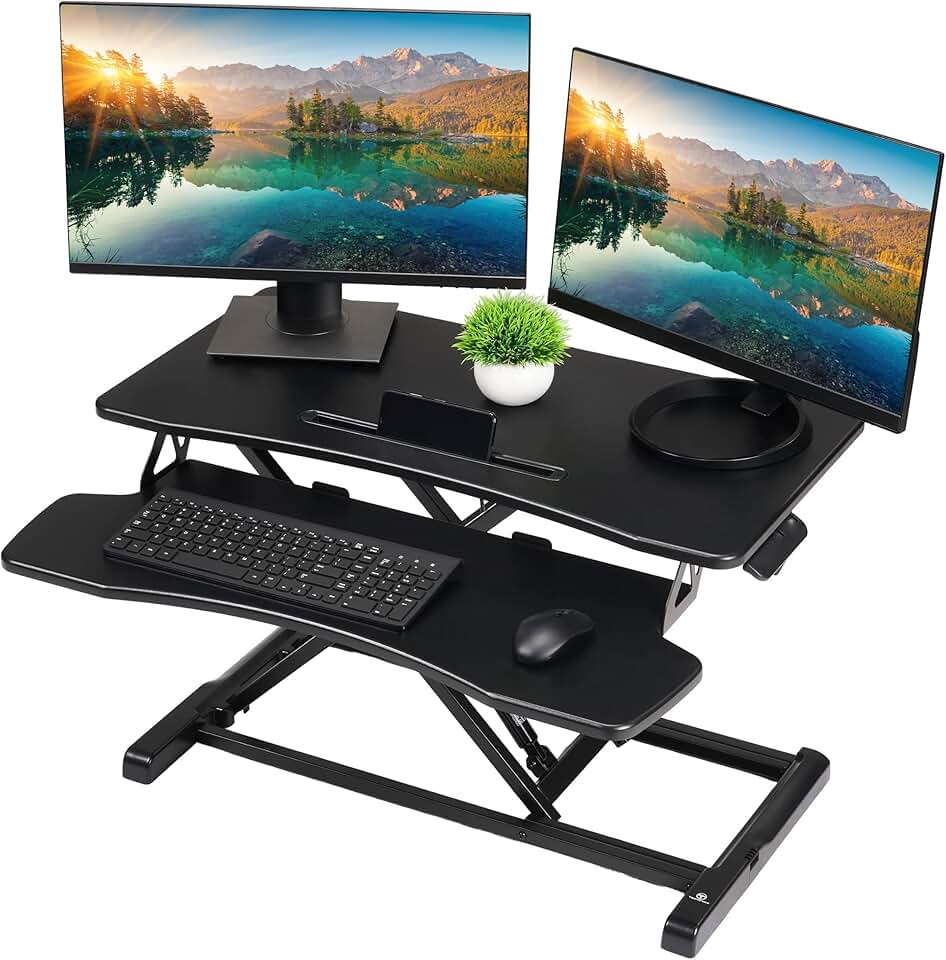
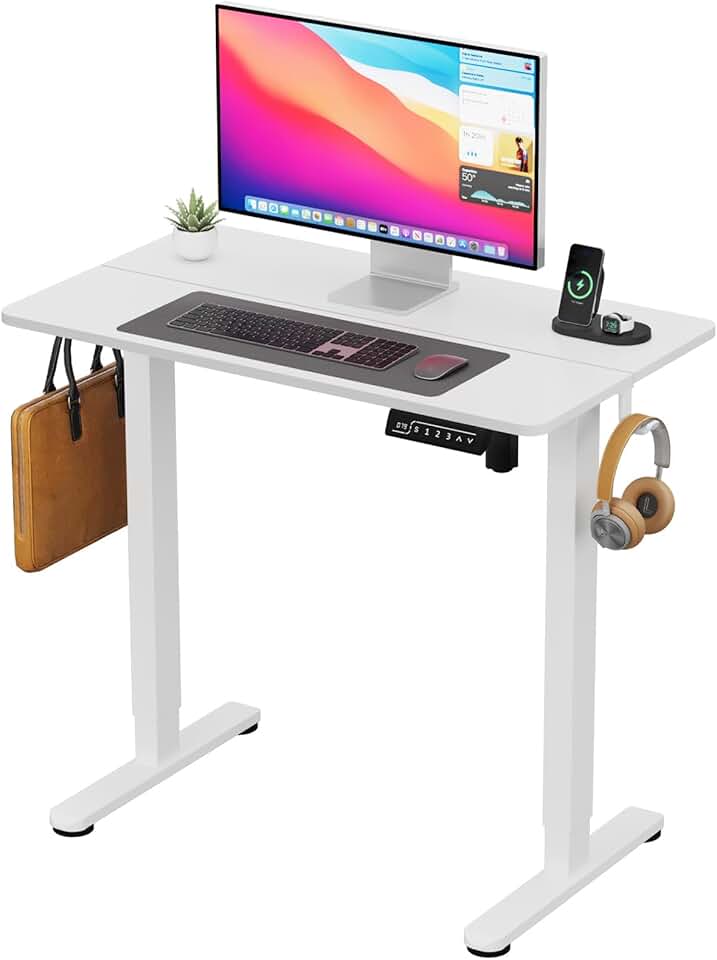
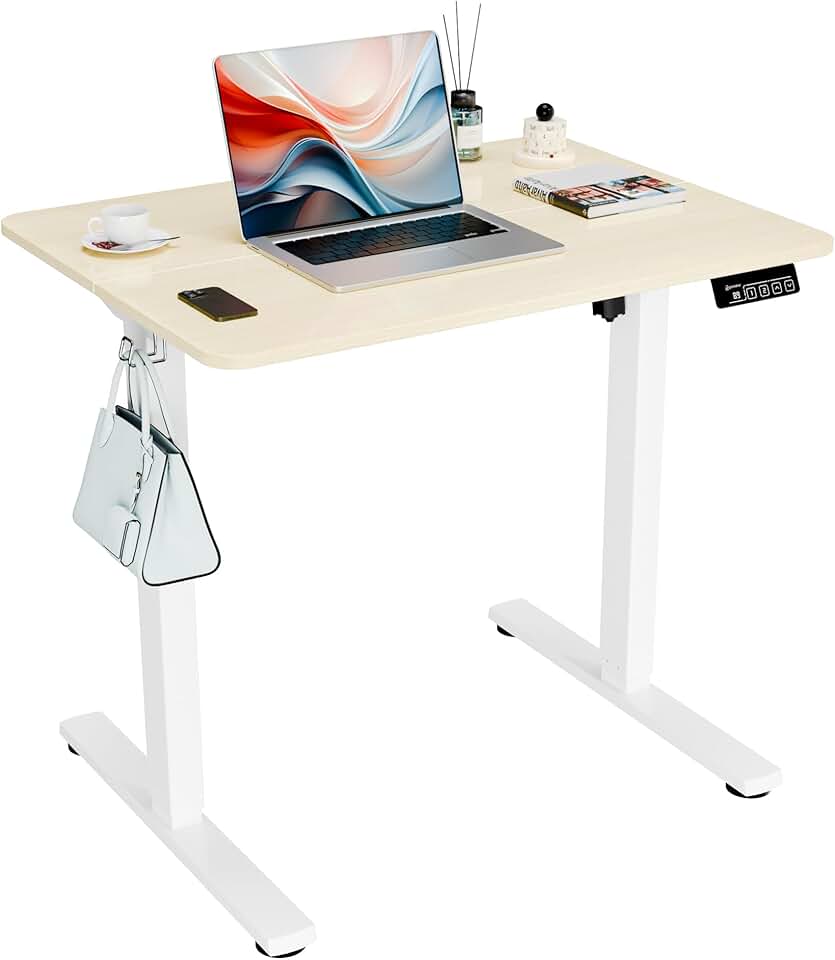
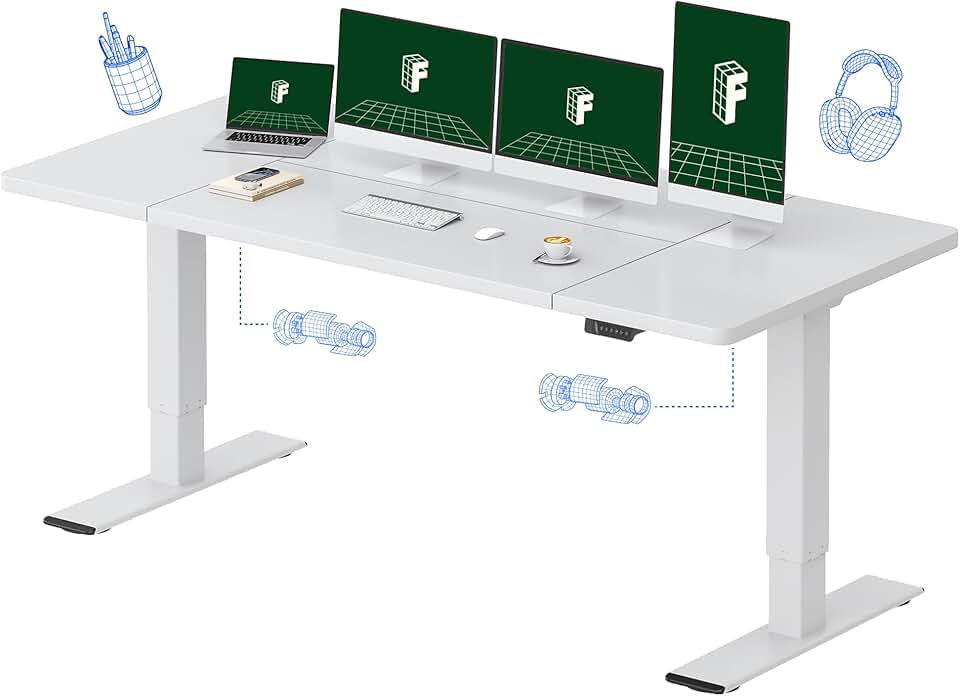
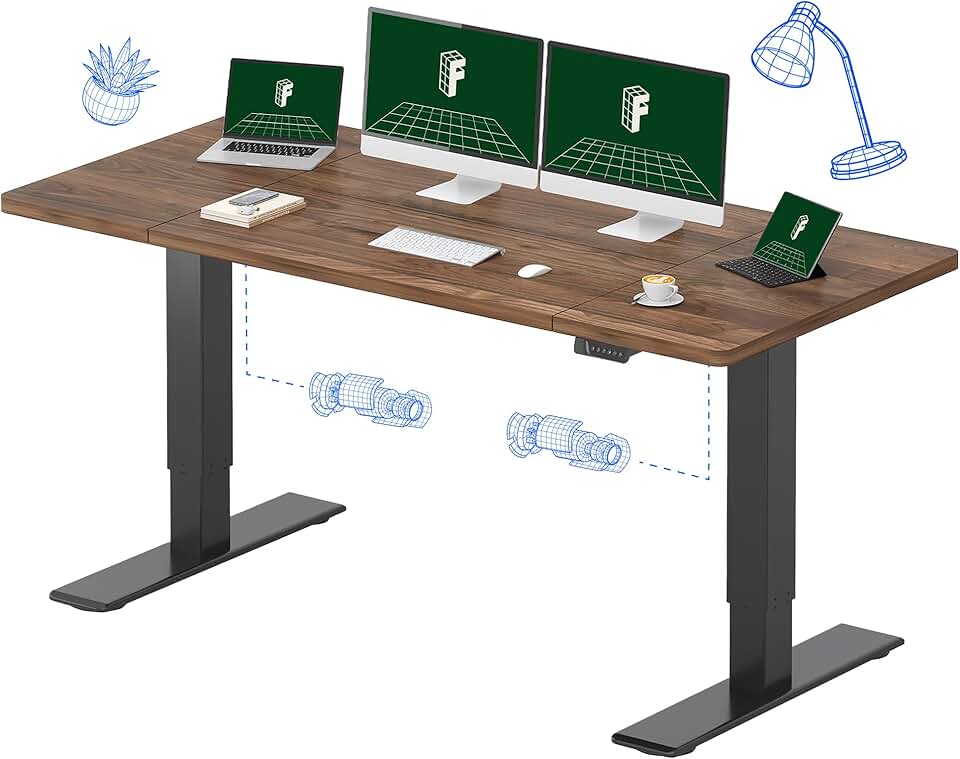
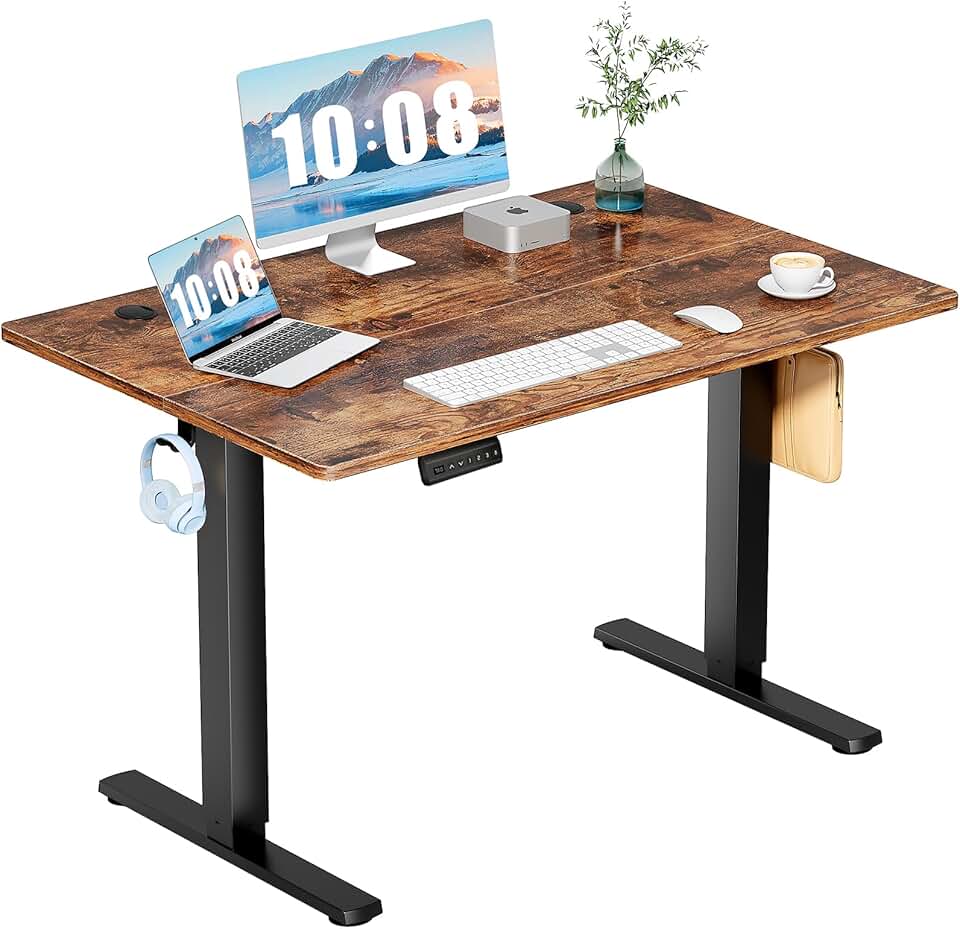
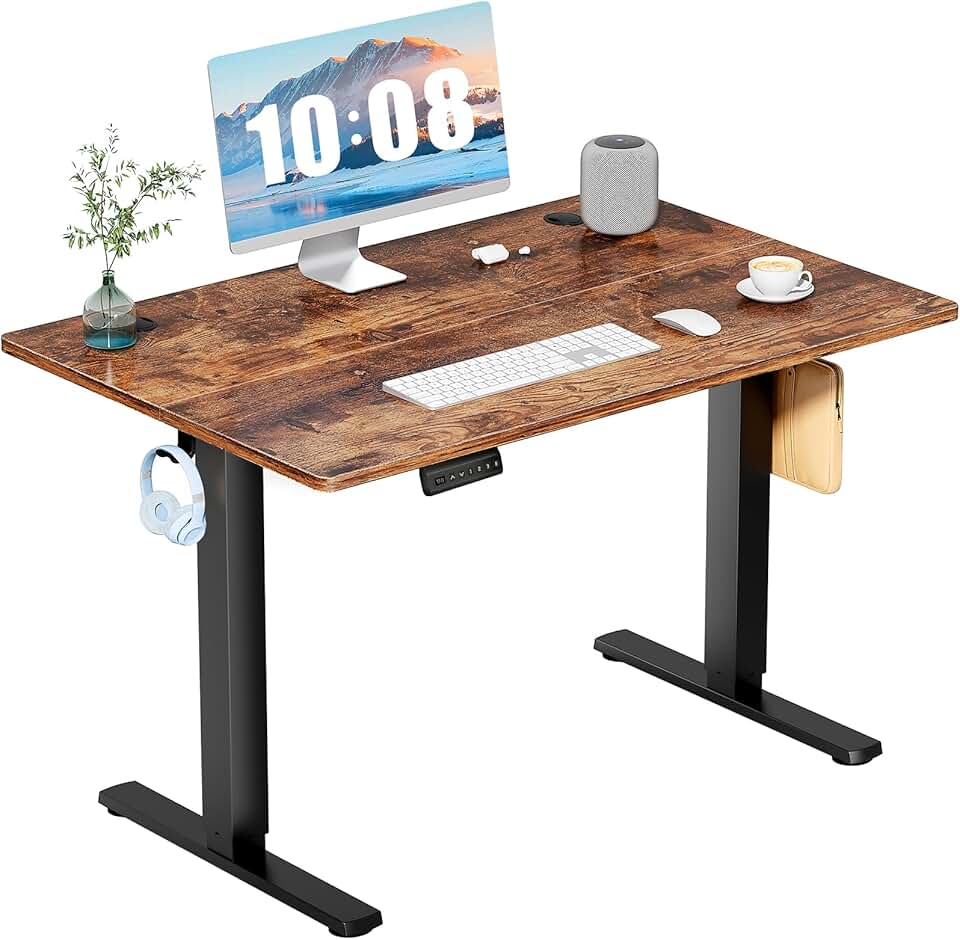
Height-adjustable desks have grown significantly in popularity and now come in frames as narrow as 40 to 42 inches wide, making them a genuine option for small spaces. Electric models let you switch between sitting and standing with a button press, which reduces back and hip discomfort during long work days.
Programmable height settings are a standout feature if multiple people share the desk, since each person can save their preferred height without readjusting manually every time. Look for models that support at least two height memory presets.
The trade-off with electric standing desks is that they typically require a nearby power outlet for the motor, and they tend to cost more than fixed-height options. However, for anyone who spends six or more hours a day at a desk, the health benefits frequently justify the higher price.
Corner and L-Shaped Desks
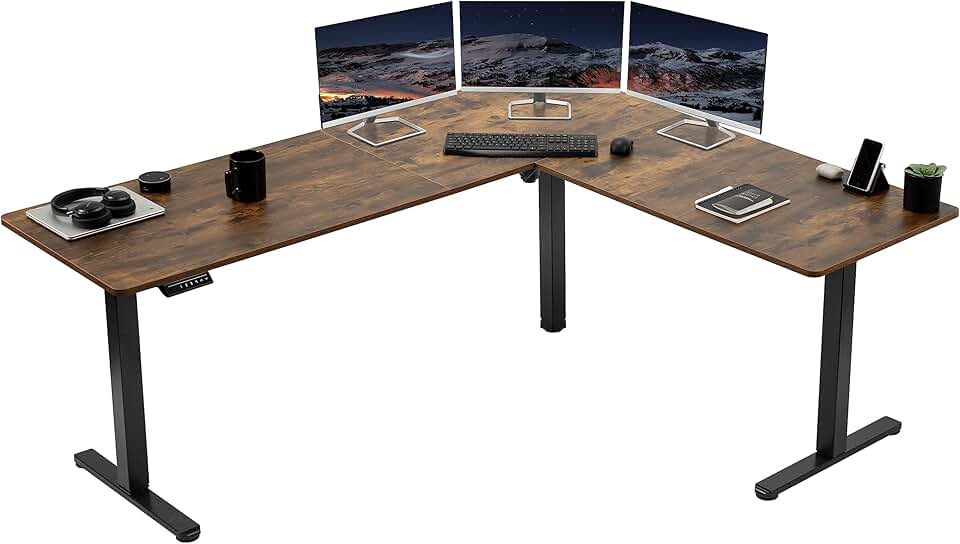
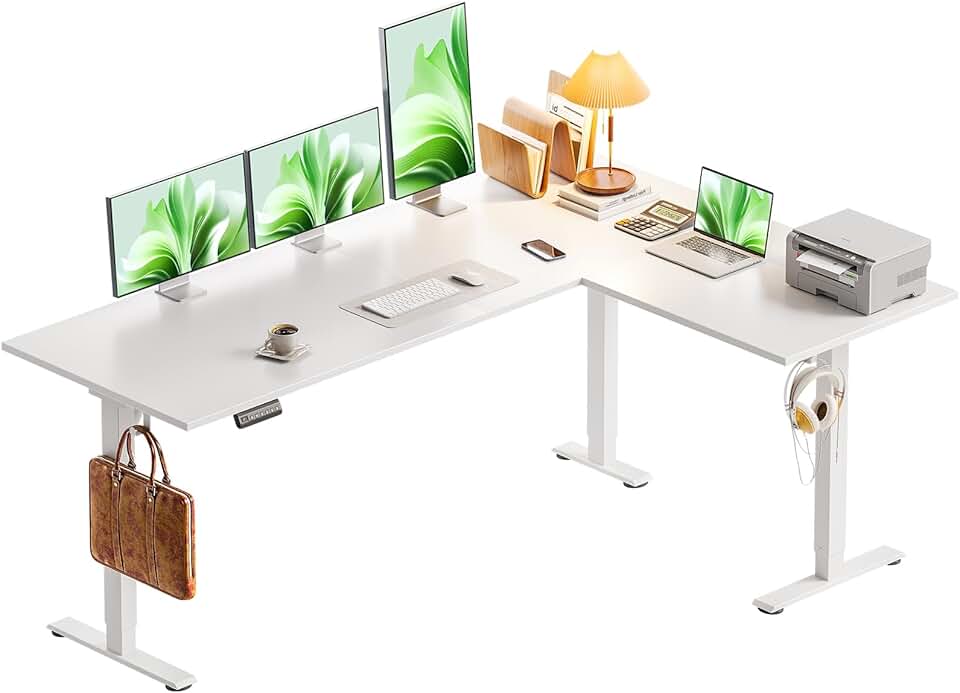
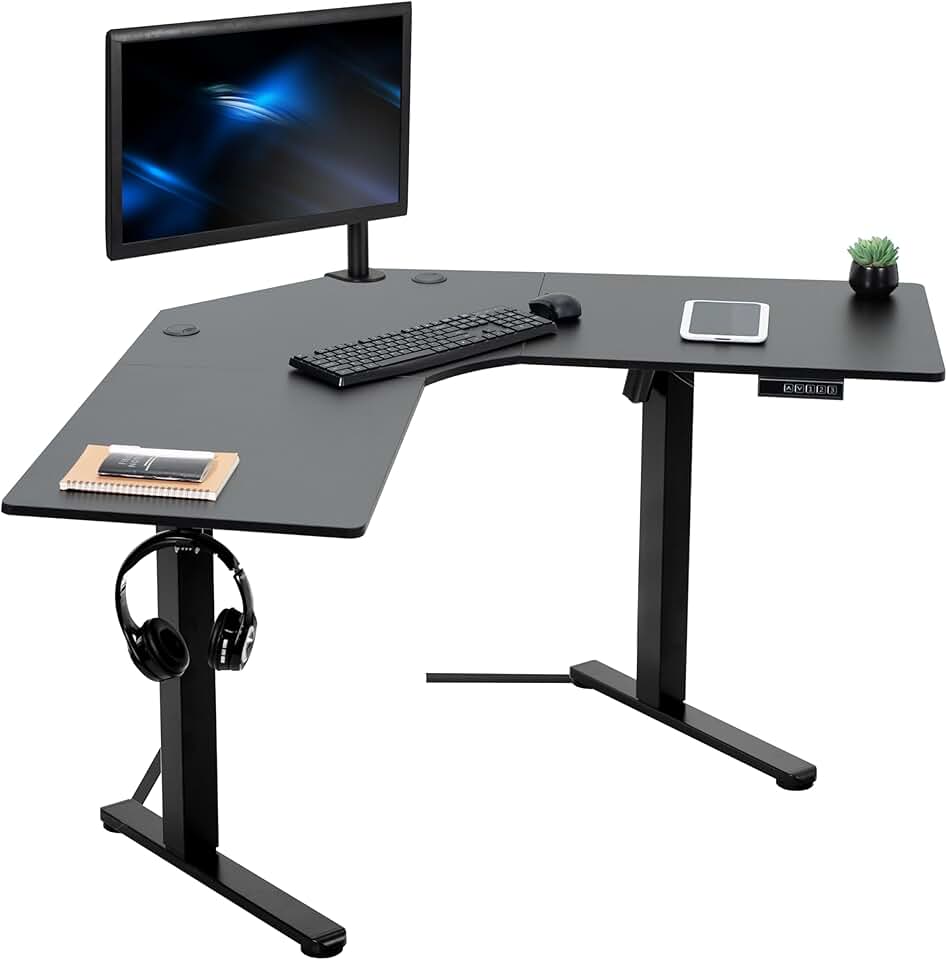
Corner desks are one of the smartest solutions for a desk for small space situations because they use room geometry that would otherwise go to waste. By fitting into a corner, an L-shaped desk gives you significantly more usable surface area without extending further into the room than a standard desk.
Corner desks work especially well in bedrooms, where placing the desk in a corner keeps the rest of the room open and uncluttered. Many compact corner desks are designed with easy assembly in mind and do not require professional installation.
The main consideration with corner desks is that they require two walls to meet at roughly a 90-degree angle. If your available space does not have a usable corner, this style will not work for you. Also measure both legs of the L shape carefully, since even a compact corner desk can span 40 to 50 inches along each wall.
Wall-Mounted and Floating Desks
For the smallest spaces of all, such as studio apartments, cloffices (closet offices), or narrow hallways repurposed as work areas, a wall-mounted floating desk is the most space-efficient choice available. These desks have zero floor footprint when folded up, which means the entire space returns to normal use when you are not working.
Floating desks attach directly to wall studs, so installation requires a drill, a stud finder, and some basic confidence with tools. Once mounted, they are very stable and can support a laptop, a small monitor, and standard desk accessories comfortably.
Choose a floating desk with a fold-down design if your space truly doubles as a living area, since you can tuck the surface away completely when not in use. Fixed floating desks work better in dedicated alcoves or nooks where the desk can stay out permanently.
Key Specs to Compare Before You Buy
Width
Aim for 36 to 42 inches for laptop-only setups and 43 to 47 inches if you want a monitor. Staying under 48 inches keeps the desk proportionate in most small rooms. Wider than that and the desk starts to visually dominate the space.
Depth
20 to 24 inches of depth is the target range. At 20 inches, you have just enough room for a laptop with a small amount of desk space in front of it. At 24 inches, you can comfortably use an external monitor at a proper viewing distance. Avoid desks shallower than 18 inches for everyday use, as they feel cramped and limit how you can arrange your gear.
Leg and Frame Material
Metal legs, particularly heavy-duty steel frames, provide the most stability for the least visual bulk. Thin metal legs keep the desk looking light and open, which makes a small room feel less crowded. Solid wood legs are attractive but add visual weight. Avoid lightweight particleboard-only frames if your desk will hold a monitor, external hard drives, or other moderately heavy equipment.
Storage Options
In small spaces, on-desk storage often leads to clutter. Built-in drawers or shelves integrated into the desk itself are more space-efficient than adding separate organizers afterward. A single drawer for essentials is often enough, since a minimalist surface is easier to keep tidy and feels less overwhelming in a tight room.
Cable Management
This feature is easy to overlook but makes a real difference. Desks with built-in cable management holes or clips keep cords from spilling onto the floor, which is especially important in small spaces where loose cables look messy and create tripping hazards. Look for a grommet hole or a rear cable tray if you plan to use a monitor, lamp, or other powered accessories.
How to Measure Your Space Before Buying
Measuring accurately before you order is the best way to avoid returns and disappointment. Here is a simple process to follow.
Step one is to measure the exact wall space where the desk will go, including any obstructions like baseboards, radiators, or outlets that might interfere with placement.
Step two is to mark out the desk footprint on the floor using painter's tape. Live with the taped outline for a day or two to check whether the desk will block walkways, doors, or natural light sources.
Step three is to measure clearance for your chair. You need at least 24 inches of clear space behind the desk for a chair to roll back comfortably, and more if you also need to stand up easily. Factor this into your total space budget.
Step four is to check ceiling height if you are considering a standing desk. Electric standing desks at their maximum height can reach 48 to 50 inches. Make sure there are no shelves or overhead cabinets in the way.
Practical Setup Tips for Small Home Offices
Choosing the right desk is only half the battle. How you set it up and organize around it determines whether your small workspace actually feels workable.
Place your desk near a window if possible. Natural light reduces eye strain and improves mood during long work sessions. Position the monitor perpendicular to the window rather than directly facing or backing it to avoid glare.
Use vertical space aggressively. A wall-mounted shelf above your desk stores books, files, and supplies without taking up any desk surface. This approach is one of the most effective ways to keep a compact home office desk from feeling overwhelmed by clutter.
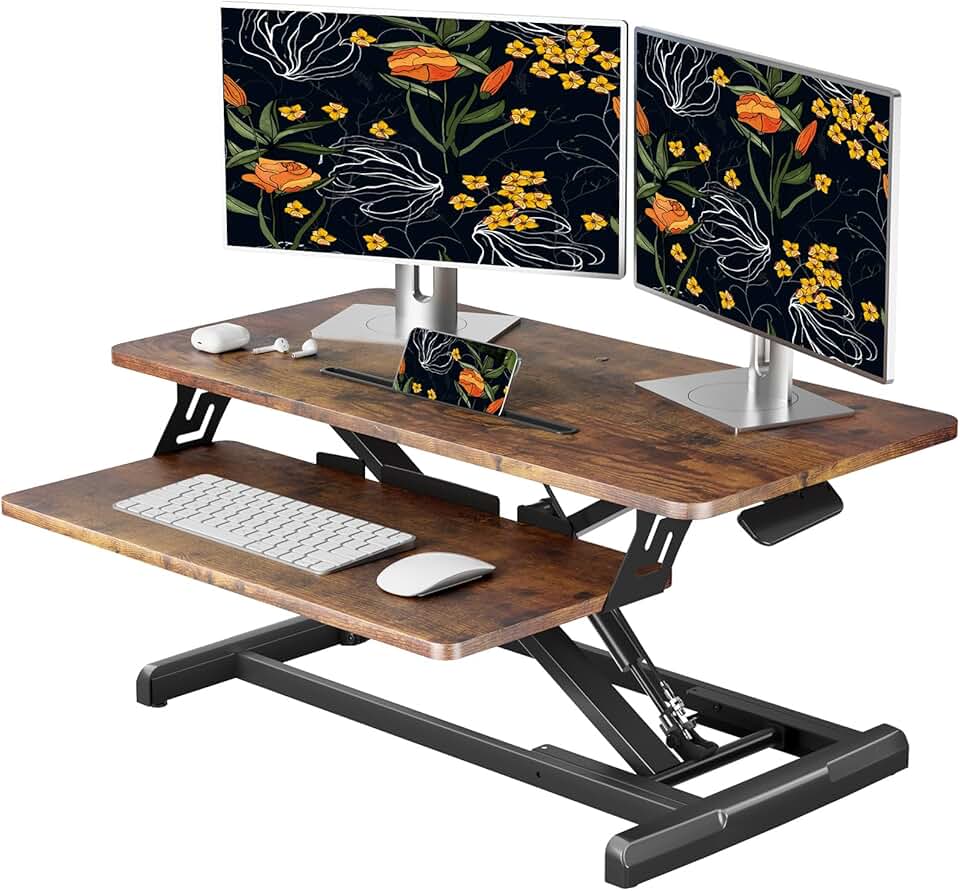
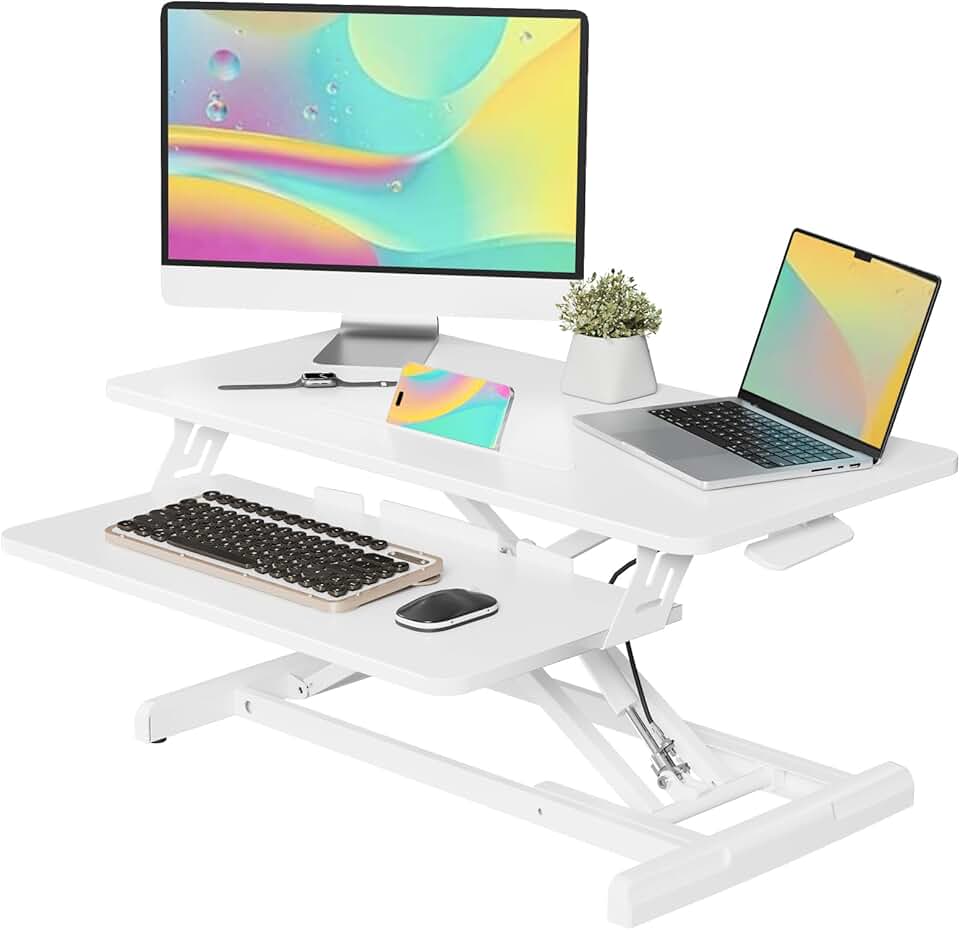
Invest in a monitor arm if you use an external display. A monitor arm clamps to the back edge of the desk and lifts the screen off the surface entirely, freeing up the full desk depth for your keyboard, mouse, and notebook. This single addition can make a 20-inch-deep desk feel significantly roomier.
Keep only what you use daily on the desk surface. Everything else should live in a drawer, on a shelf, or in storage outside the workspace entirely. A clear desk surface is one of the most powerful things you can do to make a small home office feel calm and organized.
Budget Ranges to Expect in 2026
Entry-level writing desks and floating desks typically cost between $80 and $180. These are solid choices for laptop-only setups and light daily use.
Mid-range desks with drawers, sturdy metal frames, or corner configurations generally fall between $180 and $350. This range offers the best balance of quality and value for most home office users.
Electric height-adjustable standing desks start around $350 and can reach $700 or more for models with wider frames, premium finishes, and advanced height memory features. If your budget allows, this is a worthwhile long-term investment in your daily comfort.
Final Checklist Before You Order
- Width is 47 inches or under for true small-space compatibility
- Depth is between 20 and 24 inches for monitor distance and comfort
- Leg material is metal or solid wood for stability without bulk
- Cable management is included or easily added
- Storage fits your actual needs without overbuilding the footprint
- You have measured your floor space and taped out the outline
- Chair clearance of at least 24 inches is confirmed behind the desk
Choosing the right compact home office desk comes down to matching your specific room dimensions, your daily work habits, and your budget. Take your time with measurements, prioritize the features you will actually use every day, and you will end up with a setup that feels both functional and comfortable for years to come.